What is Hardware?
In the last chapter, we learned that a computer is a machine that follows instructions. But what is the computer actually made of?
What is “Hardware”?

Think about the things you use every day. Your favorite toy, a pair of scissors, or even your bicycle. What do they all have in common? You can pick them up, feel them, and touch them.
In the world of computers, we call these physical things Hardware.
Hardware is any part of a computer that you can actually touch with your hands. If you can bump into it, drop it (though you shouldn’t!), or feel its weight, it is hardware.
Hardware vs. Software
A computer needs more than just physical parts to work. It also needs instructions to tell those parts what to do. These instructions are called Software.
To understand the difference, think about a book:
- Hardware: The paper, the cardboard cover, and the ink on the pages. You can touch these!
- Software: The story inside the book. You can’t touch a “story,” but you can read it and understand it.
The computer is like the book, and the games or apps you use are like the stories. The computer (hardware) holds the apps (software).
Internal vs. External Hardware
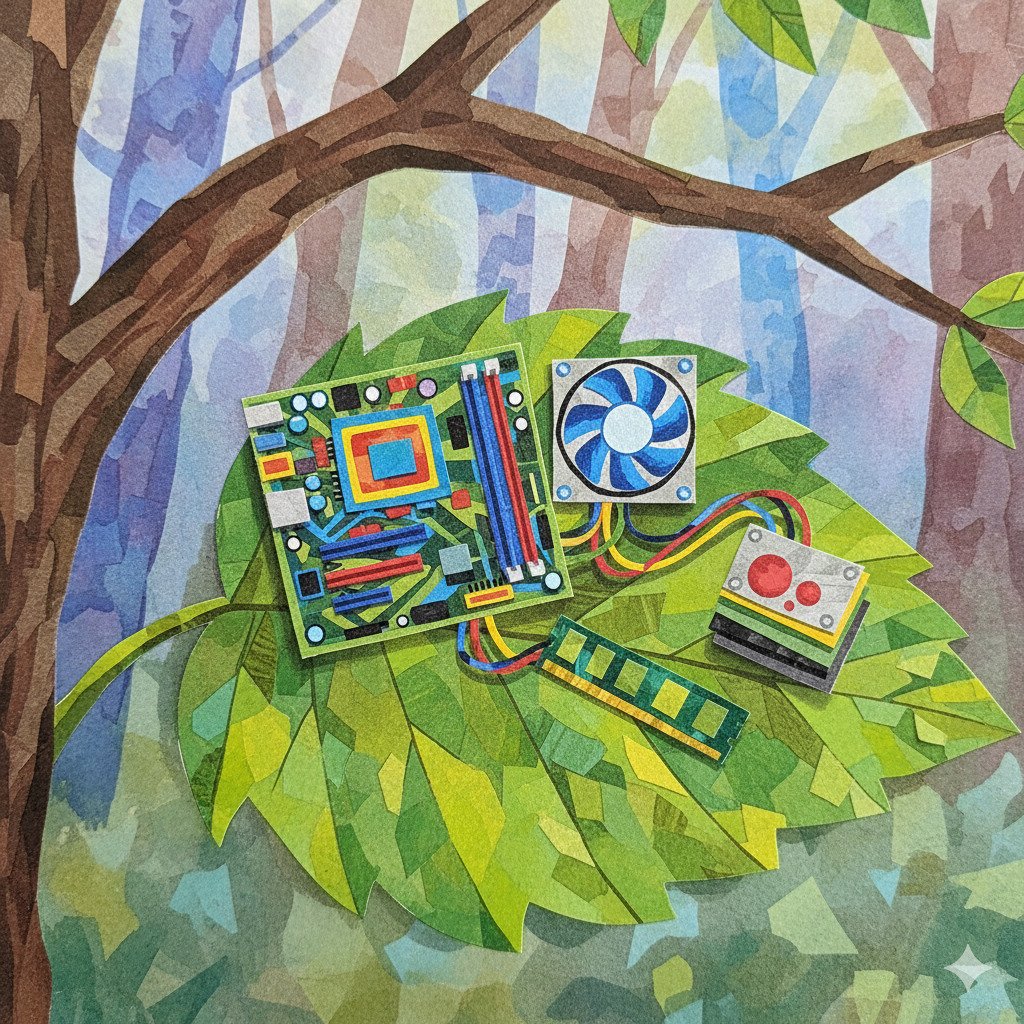
Not all hardware is easy to see. We can split hardware into two groups:
-
External Hardware (Peripherals): These are parts on the outside of the computer. You use these to talk to the computer, or for the computer to talk to you!
- Keyboard and Mouse: These are your “input” tools. You use them to tell the computer what to do.
- Monitor: This is the screen that shows you what is happening.
- Speakers: These let you hear sounds and music.
- Printer: This can take something from the screen and put it onto real paper you can hold.
-
Internal Hardware (Components): These are the “guts” of the computer, hidden away inside a plastic or metal box (called the computer case). These parts do the heavy lifting:
- CPU (Central Processing Unit): Often called the “brain” of the computer. It follows instructions and does calculations.
- RAM (Random Access Memory): This is the computer’s short-term memory. It remembers what you are doing right now, like which game is open.
- Motherboard: A big circuit board that connects all the other parts together, like a giant puzzle base.
- Power Supply: This takes electricity from the wall and gives it to all the other parts so they can wake up and work.
Why do we need different parts?
You might wonder why a computer has so many different bits and pieces. Why can’t it just be one big block?
Think of a computer like a sports team:
- The CPU is like the captain, making quick decisions and telling others what to do.
- The Hard Drive or SSD is like a library, keeping all the information safe for later, even when the computer is turned off.
- The Monitor is like a scoreboard, showing everyone what is happening in the game.
- The Cables are like the players passing the ball to each other.
Just like a team, no single part can do everything on its own. They all have to work together to make the computer run smoothly!
Did you know?
- NASA uses old hardware for safety. Newer isn’t always better! Some spacecraft still use older, simpler computer parts because they are less likely to break or be affected by space radiation than the high-tech parts in your phone.
- The “Motherboard” got its name for a reason. It is called the motherboard because it acts like a mother to all the other parts, providing them with power and letting them talk to each other. Smaller boards that plug into it are sometimes called “daughterboards”!
- A “Bug” was once a real insect! In 1947, a scientist named Grace Hopper found an actual moth stuck inside a computer, causing it to fail. She taped it into her notebook and called it “debugging”—a term we still use today for fixing computer problems!
Check Your Knowledge
1. Which of these is Hardware?
- A) A digital photo of a cat
- B) A computer mouse
- C) A level in a video game
2. If you are typing a story on a computer, which part is the “Software”?
- A) The keyboard you are typing on
- B) The words and the story itself
- C) The monitor showing the words
3. Why do we call the CPU the “brain” of the computer?
4. True or False: Internal hardware is the part of the computer you can see on your desk, like the screen.