The Brain of the Computer (CPU)
In the last chapter, we mentioned that the CPU is like the “brain” of the computer. But what does that actually mean? Let’s take a look inside!
Meet the CPU
CPU stands for Central Processing Unit.
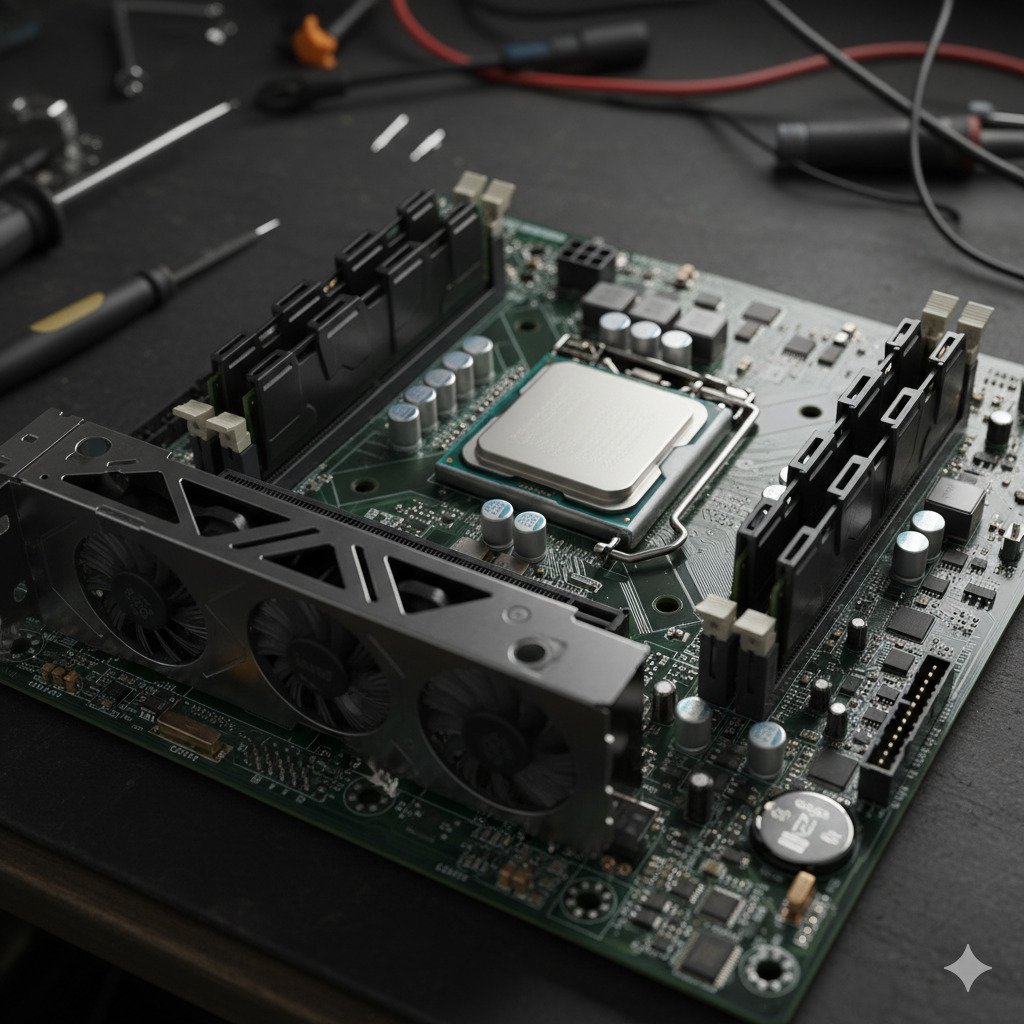
While it’s the most important part of the computer, it’s actually quite small—usually about the size of a large cracker or a square of chocolate. It sits deep inside the computer case, tucked away on the motherboard.
We call it the “brain” because, just like your brain tells your arms to move or remembers your favorite color, the CPU tells every other part of the computer what to do. Without it, the computer wouldn’t know how to turn on, show a picture, or even react when you click a mouse.
What does the CPU do?
The CPU has two main jobs that it does over and over again, incredibly fast:
- Following Instructions: Every time you click a button or press a key, you are sending an instruction. The CPU reads that instruction and figures out what needs to happen next.
- Doing Math: Believe it or not, almost everything a computer does—from showing a video to playing a sound—is actually just a lot of very complicated math. The CPU is a master at math. It can do billions of calculations in a single second!
Speed and Cores: How Fast Can It Go?
When people talk about how “fast” a computer is, they are usually talking about the CPU. We measure this speed in Gigahertz (GHz).
- If a CPU has a speed of 3.0 GHz, it means it can think about 3 billion things every second!
The Power of “Cores”
Sometimes, one brain isn’t enough. Modern CPUs have something called Cores. You can think of cores like having extra pairs of hands.
- A Single-Core CPU is like a chef working alone in a kitchen. They can only do one thing at a time.
- A Multi-Core CPU (like a “Quad-Core”) is like having four chefs in the same kitchen! They can work together to get a big meal (like a heavy video game) ready much faster.
Keeping it Cool
Because the CPU works so hard and thinks so fast, it gets very, very hot. If you’ve ever felt a laptop get warm on your lap, you’re feeling the CPU working!
To keep it from melting or breaking, every CPU needs a way to stay cool. This is why you will usually see a big Heat Sink (a piece of metal that pulls heat away) and a Fan sitting right on top of it. The fan blows the hot air away so the CPU can keep thinking without getting a “fever.”

Did you know?
- CPUs are made from sand! The main ingredient in a computer chip is silicon, which is refined from ordinary sand. So, in a way, your computer’s brain is just very, very smart sand!
- The first CPU was as powerful as a calculator. The Intel 4004, released in 1971, was the first single-chip CPU. It could only do about 92,000 calculations per second. Modern CPUs can do over 100 billion!
- The prefix “Giga” means “Giant”. When we say 3 Gigahertz, “Giga” comes from the Greek word for giant. It means the CPU is doing a “giant” number of calculations every single second.
Check Your Knowledge
1. You are playing a game and also listening to music at the same time. Which feature of a CPU helps the computer do both tasks easily?
- A) The Heat Sink
- B) Having multiple Cores
- C) The size of the CPU
2. If a CPU is running at 4.0 GHz, what is it doing 4 billion times a second?
3. Why would a computer suddenly turn off if its internal fan stopped working?
4. Imagine you are building a computer specifically for very “heavy” work, like editing a movie. Would you prefer a CPU with 2 cores or 8 cores? Why?