What is a Computer?
Before we dive into all the different parts of a computer, let’s ask a big question: What actually is a computer?
You might think of a computer as a laptop or a big screen on a desk, but computers are actually all around us!
A Smart Machine
At its simplest, a computer is an electronic machine that takes in information, works with it, and then gives you a result.
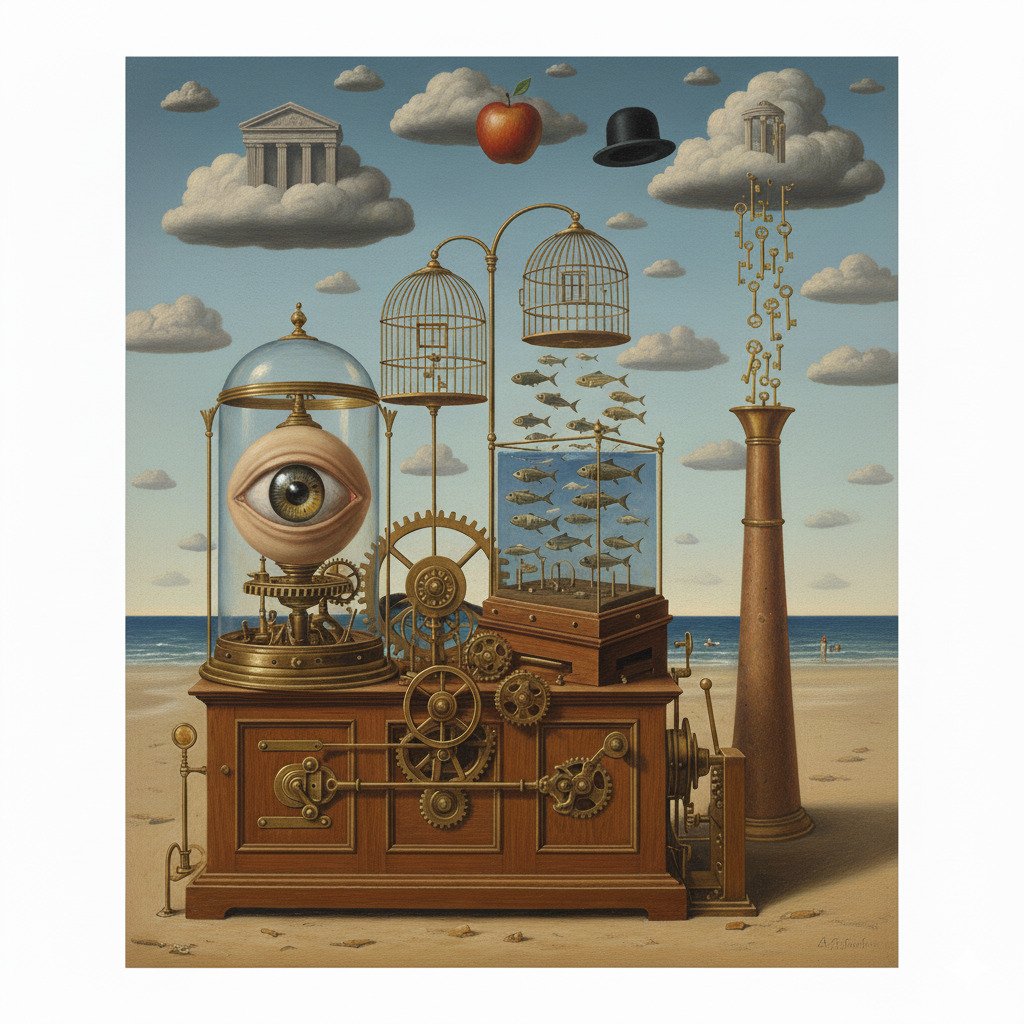
Think of it like a magic box:
- Input: You put something in (like pressing a key or touching a screen).
- Processing: The box “thinks” about what you did.
- Output: The box shows you a result (like showing a letter on the screen or playing a sound).
Computers are Everywhere!
Computers aren’t just the things with keyboards and big screens. They come in all shapes and sizes. Many things you use every day have tiny computers inside them:
- Laptops and Desktops: The most common ones we use for school or work.
- Smartphones and Tablets: Powerful computers that fit in your hand or pocket.
- Game Consoles: Your PlayStation, Xbox, or Nintendo Switch are special computers made for playing games.
- Smart Watches: These are tiny computers you wear on your wrist to tell time, track your steps, and show messages.
- Smart TVs: These use computers to let you watch Netflix, YouTube, or play apps directly on the screen.
- Kitchen Appliances: Modern microwaves, dishwashers, and refrigerators have simple computers to control timers and settings.
- Cars: Modern cars are like giant computers on wheels! They use them to control the engine, the brakes, the maps, and even the music.
- Washing Machines: They use a computer to know how much water to use and how long to spin your clothes.
- Toys: Many electronic toys, like robots or handheld games, have little computers that tell them how to react to you.
What Makes a Computer Special?
Unlike a toaster that only toasts bread, or a bicycle that only rolls when you pedal, a computer can be told to do many different things. By using different programs (or “apps”), the same computer can help you do your homework, watch a video, talk to a friend, or play a game.
Did you know?
- The first “computer” was a person! Long ago, the word “computer” was actually a job title. It was used for people (often women) who did very long and difficult math problems by hand for scientists and engineers.
- The world’s first electronic computer was huge. It was called the ENIAC, and it was finished in 1945. It was so big that it took up an entire room (about 30 meters long) and weighed as much as six elephants!
- A modern smartphone is much more powerful than the computers used to send people to the Moon. The Apollo 11 moon landing in 1969 was controlled by a computer with less “brain power” than a simple calculator or even a digital watch today.
Check Your Knowledge
1. What are the three main steps a computer follows?
- A) Eating, Sleeping, Playing
- B) Input, Processing, Output
- C) Starting, Stopping, Waiting
2. Which of these is NOT a computer?
- A) A smartphone
- B) A traditional wooden pencil
- C) A digital watch
3. Why is a computer more useful than a machine that can only do one thing (like a traditional clock)?
4. True or False: A computer is any machine that can follow instructions to work with information.