Output Devices: Seeing and Hearing
In this section, we will see how the computer talks back to us.
Imagine you’ve just asked your robot friend a question. “What is 2 + 2?” The robot thinks for a second, but if it doesn’t have a way to tell you the answer, its hard work is wasted! For a computer to be useful, it needs a way to show or tell us the results of its work. We call these Output Devices.
What is an Output Device?
An Output Device is any piece of hardware that sends information out of the computer.
If input devices are like your senses (eyes and ears), output devices are like your voice or your hands. They are the ways you communicate with the world. A computer uses output devices to show you pictures, play sounds, or even print things out so you can hold them.
Without output devices, you could type on a keyboard all day, but you would never know if the computer was actually doing anything!
The Monitor (Screen)

The monitor is the most important output device for most people. It’s how you see your work, play games, and watch videos.
Pixels: The Tiny Dots
If you look really, really closely at a screen (don’t do it for too long!), you might see that the picture is actually made of millions of tiny, glowing dots. These dots are called pixels.
Each pixel can change color. When they all work together, they create the beautiful images you see. The more pixels a screen has, the clearer and sharper the picture will be!
Printers
Sometimes you want to take something from the screen and put it into the real world. That’s what a printer is for!
- Inkjet and Laser Printers: These put text and pictures on paper. You might use them for school reports or printing out a photo.
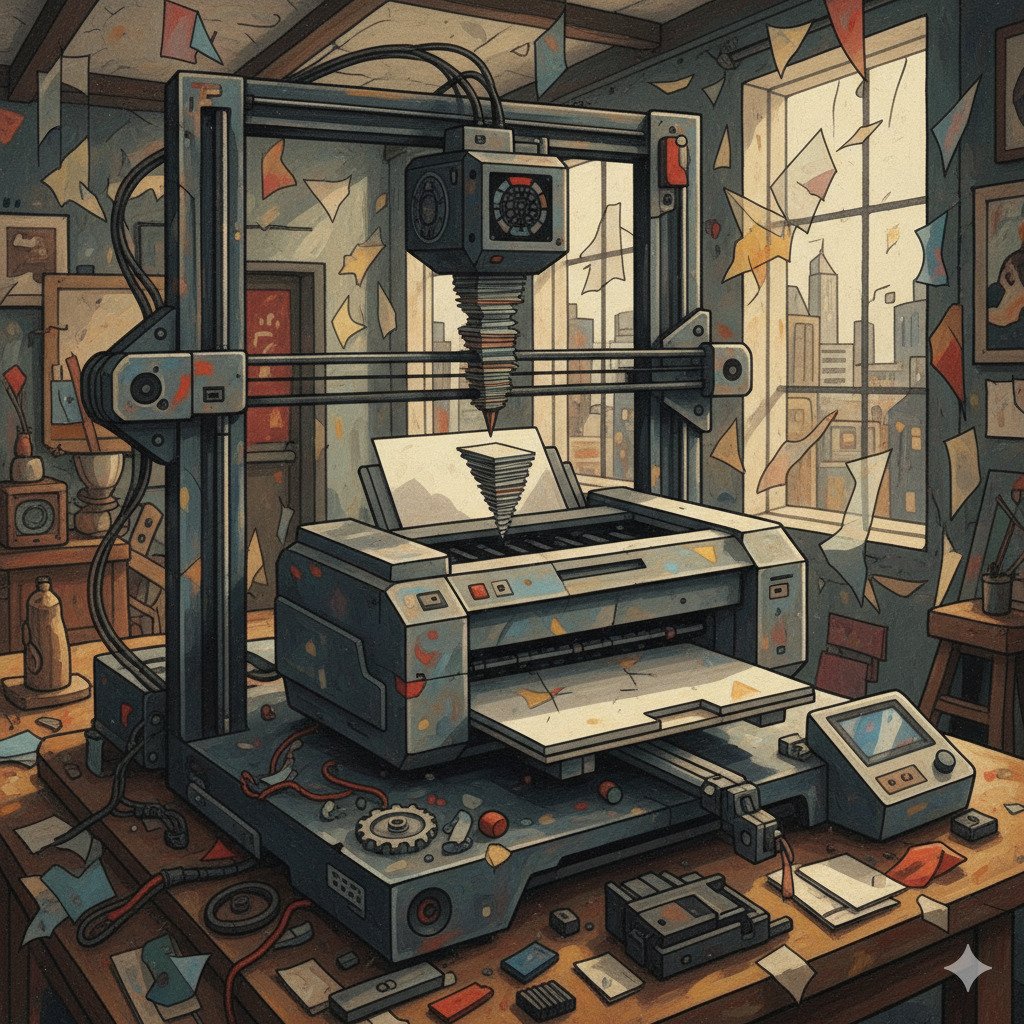
- 3D Printers: These are very cool! Instead of printing flat ink on paper, they “print” layers of plastic or other materials on top of each other to build a real, 3D object. You could print a toy, a tool, or even a part for a spaceship!
Speakers and Headphones
Computers aren’t just about seeing; they’re also about hearing.
- Speakers: These allow everyone in the room to hear music, voices, or game sounds.
- Headphones: These are like tiny speakers you wear on your ears. They let you listen to your computer without disturbing anyone else.
Both of these devices take digital information from the computer and turn it into sound waves that your ears can understand.
Vibration and Lights
Not all output is something you see or hear. Sometimes you can feel it!
- Vibration: Many game controllers have small motors inside that make them shake or rumble. If your character in a game gets hit, the controller vibrates to let you know.
- LED Lights: Look at your computer or your keyboard. You might see tiny lights that blink to tell you if the battery is low, or if the “Caps Lock” is on. These are simple but very useful output devices.
Did you know?
- The first computer screens were round! Early computers used screens that looked more like radar dishes than the flat rectangles we use today.
- 3D printers can print houses. Some giant 3D printers use concrete instead of plastic and can “print” the walls of a small house in just one day.
- Pixels are made of three colors. Most pixels on your screen are actually made of three tiny lights: Red, Green, and Blue (RGB). By mixing these three colors, the computer can make almost any color you can imagine!
Check Your Knowledge
1. Which of these is an example of an Output Device?
- A) A Microphone
- B) A Printer
- C) A Mouse
2. What are “Pixels”?
- A) Tiny motors that make a controller shake.
- B) The tiny dots of light that make up the picture on a screen.
- C) The buttons on a keyboard.
3. If you wanted to share a song you wrote on your computer with everyone in the room, which output device would you use?
4. True or False: A 3D printer is an output device because it takes digital information and turns it into a physical object.