Connecting it All (Motherboard and Power)
In this section, we will see how all the parts are connected and how they get electricity. Imagine if you had a brain, a stomach, and muscles, but no way to connect them or give them energy! That’s why the motherboard and the power supply are so important.
1. The Motherboard: The Big Connector
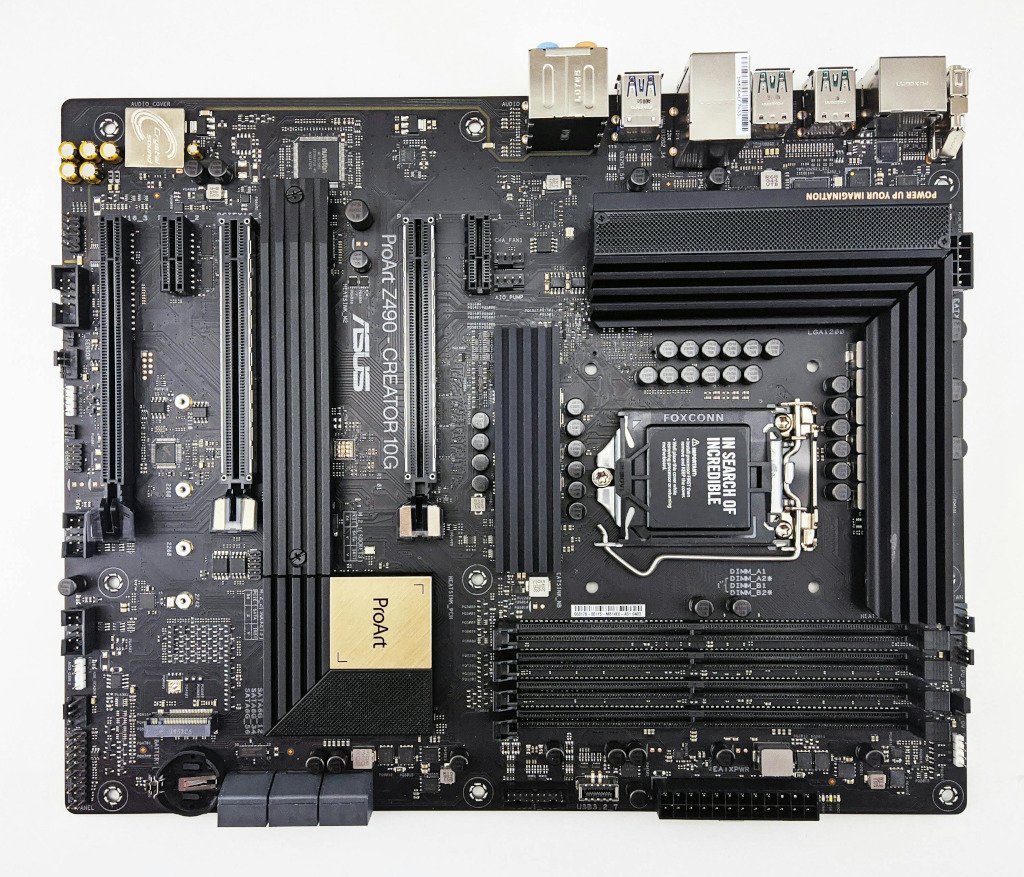
The Motherboard is the largest circuit board inside the computer. It looks like a big, flat green or black city map with tiny “roads” (called traces) running all over it.
You can think of the motherboard like the nervous system of the computer. It provides a place for every other part to “plug in” and talk to each other.
- The CPU has a special socket right in the middle.
- The RAM has long slots to click into.
- The Storage (SSD or Hard Drive) connects with cables or small slots.
Without the motherboard, the CPU wouldn’t be able to tell the Hard Drive to save your game, and the RAM wouldn’t be able to send information to the screen!
2. The Power Supply Unit (PSU)
Computers run on electricity, but they can’t just plug directly into a wall outlet like a lamp. The electricity from your house is too “strong” and is the wrong kind for the delicate parts of a computer.
The Power Supply Unit (PSU) is a metal box that acts like a translator. It takes the electricity from your wall and turns it into the exact amount of “juice” each part needs.
- Cables: The PSU has many different wires or cables coming out of it. Each cable has a special plug that goes into the motherboard, the hard drive, or the graphics card to give them the power they need to work.
3. Ports and Plugs
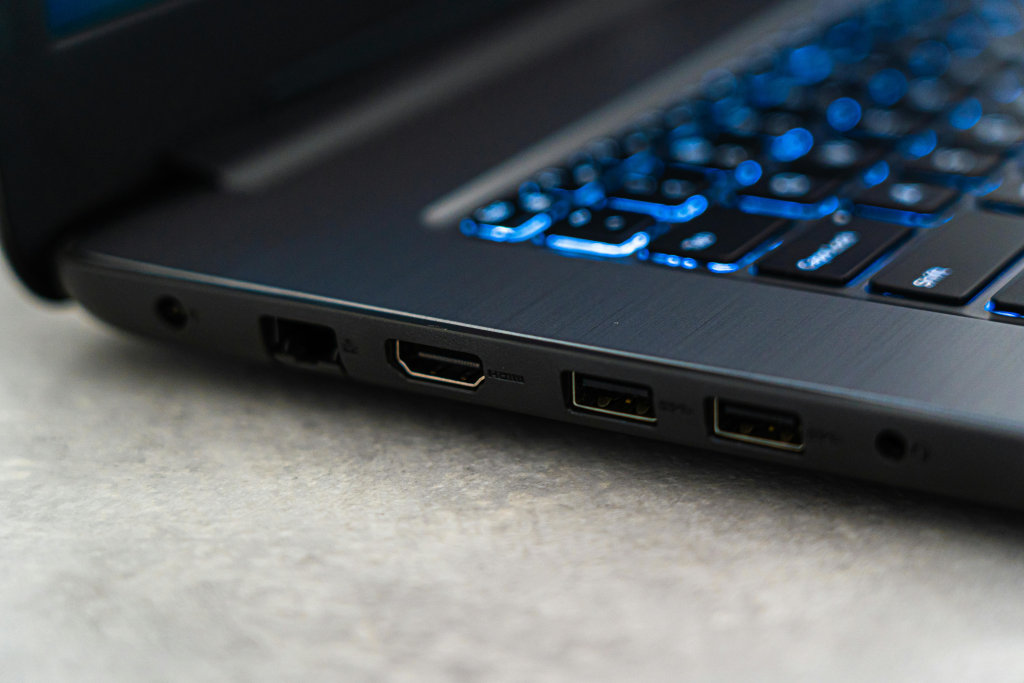
If you look at the back or side of a computer, you will see many different holes and connectors. These are called Ports.
- USB Ports: These are the most common. You use them to plug in mice, keyboards, and printers.
- HDMI Port: This is where you plug in the cable that goes to your monitor or TV so you can see the picture.
- Power Port: This is where the main power cord from the wall plugs into the computer’s PSU.
Every plug is designed to fit only into the right spot. It’s like a puzzle—if it doesn’t fit easily, don’t force it!
4. The Case
The Case (sometimes called the “tower”) is the “house” that keeps all the parts safe and organized.
The case does three important things:
- Protection: It keeps dust, pets, and spilled drinks away from the sensitive parts.
- Organization: It has special screws and brackets to hold the motherboard and power supply firmly in place.
- Cooling: It helps air flow through the computer so the parts don’t get too hot.
Did you know?
- The Motherboard has a “Battery”: There is a tiny silver battery on the motherboard (it looks like a coin). It’s there to keep the computer’s internal clock running even when you unplug the computer from the wall!
- Gold is inside your computer: Because gold is very good at carrying electricity and doesn’t rust, many of the tiny connectors on the motherboard and CPU are plated with real gold.
- Power Supplies have their own fans: The PSU works so hard translating electricity that it gets hot too, so it almost always has its own fan built right into the metal box.
Check Your Knowledge
1. Which part of the computer acts like a “city map” or “nervous system” to connect all the other parts?
- A) The Power Supply
- B) The Motherboard
- C) The Case
2. Why can’t we just plug the CPU directly into the wall outlet?
3. You are trying to plug a USB mouse into your computer, but it won’t go in. What should you do?
- A) Push as hard as you can until it clicks.
- B) Check if it is upside down or if you are using the wrong port.
- C) Use a hammer to make it fit.
4. Name two things the computer Case does to help the computer.