Input Devices: Giving Orders
In this section, we will look at how we talk to the computer.
Imagine you have a robot friend. How would you tell it to go left or right? How would you tell it your name? You would need a way to send your commands into the robot’s brain. For a computer, we use Input Devices.
What is an Input Device?
An Input Device is any piece of hardware that sends information into the computer.
Think of it like your own senses. Your eyes take in light (input), your ears take in sound (input), and your skin feels touch (input). A computer doesn’t have eyes or ears of its own, so it uses input devices to “see” and “hear” what you want it to do.
Without input devices, a computer would be like a television that you couldn’t control—it might show something, but you couldn’t tell it to change the channel or play a game!
The Keyboard and Mouse
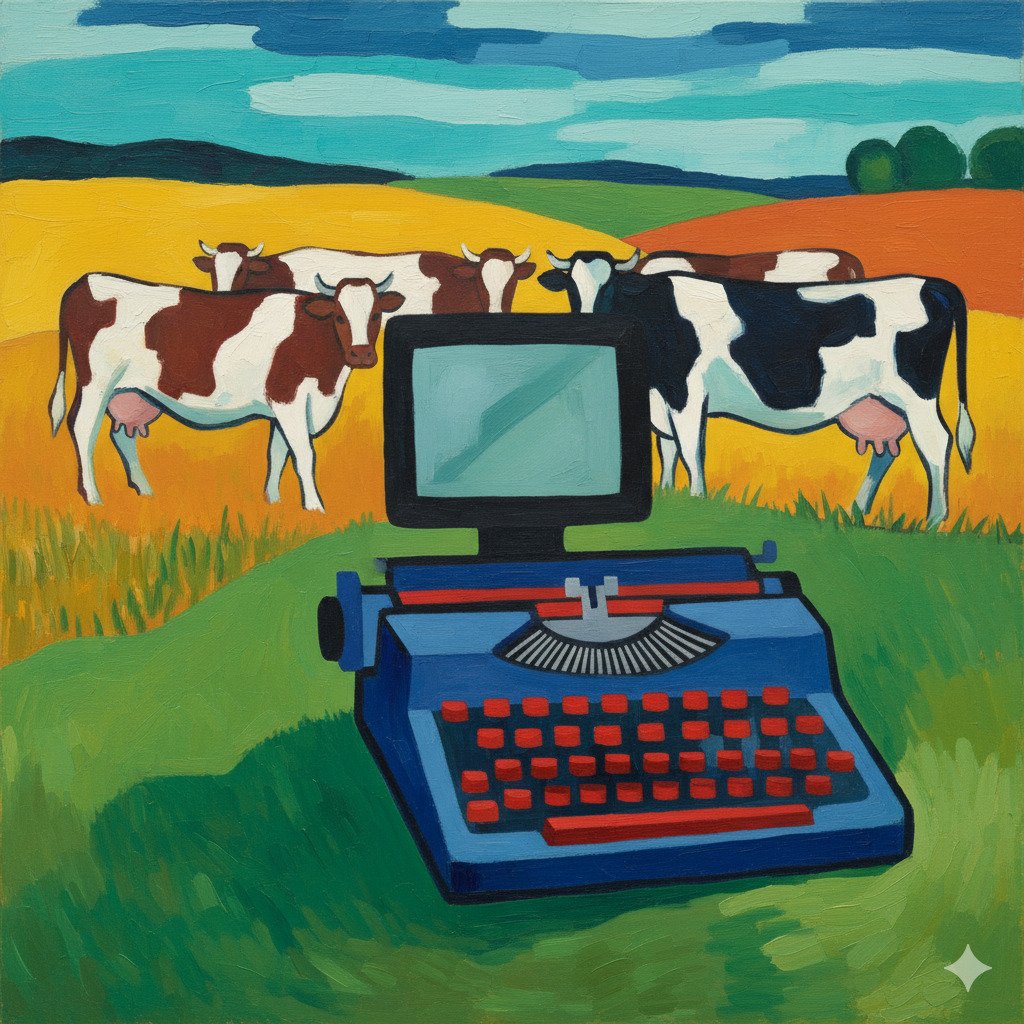
The two most common input devices are the keyboard and the mouse.
- Keyboard: This is used for typing. Every time you press a key, you are sending a signal to the computer telling it which letter, number, or symbol you want it to record.
- Mouse: This is used to point and click. When you move the mouse on your desk, the little arrow (the cursor) moves on the screen. Clicking a button tells the computer, “I want to do something with this!”
Touchscreens: When the Screen is also an Input!
On a tablet or a smartphone, you don’t usually have a separate keyboard or mouse. Instead, you touch the screen directly. In this case, the screen is doing two jobs at once: it’s showing you a picture (output), but it’s also acting as an input device because it “feels” your fingers!
Sound and Vision
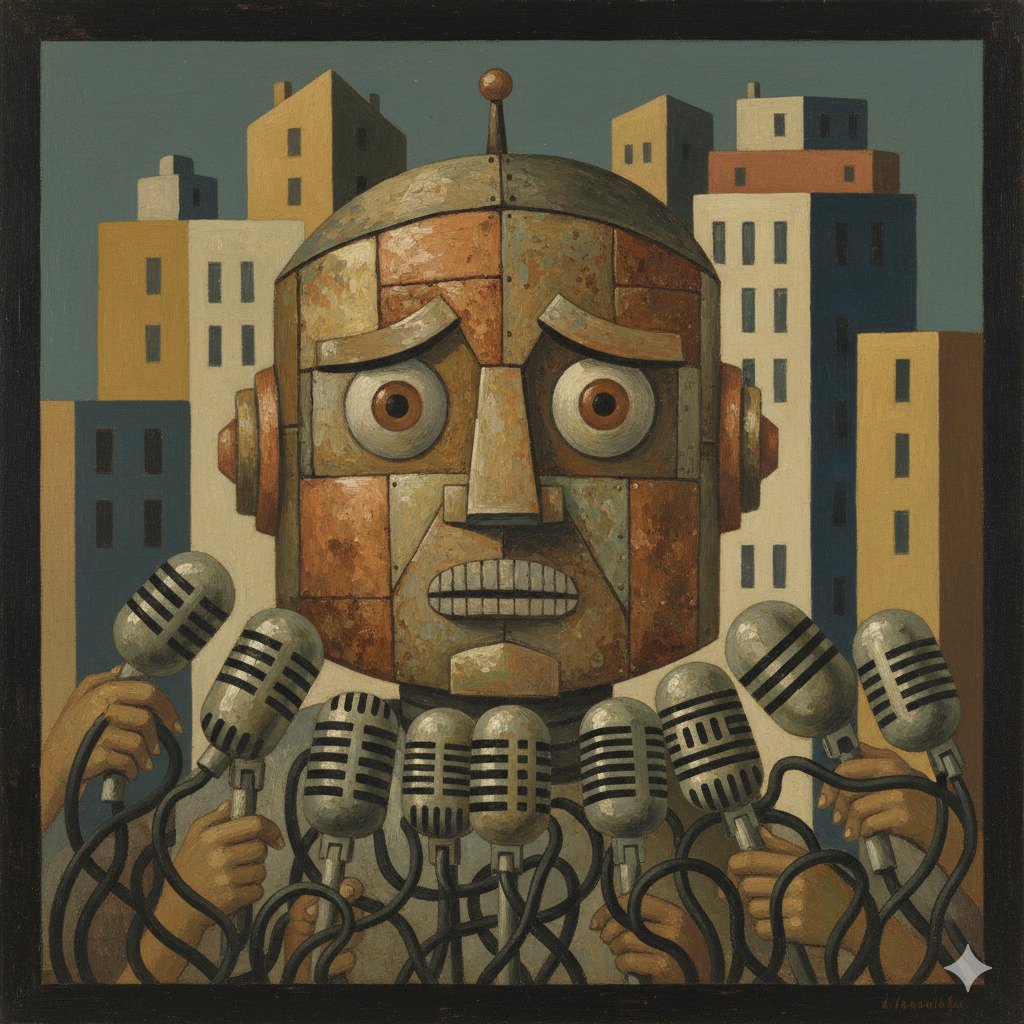
Computers can also take in more than just clicks and letters. They can see and hear too!
- Microphones: These capture your voice. When you talk to a friend online or record a song, the microphone turns the sound of your voice into digital information the computer can understand.
- Webcams: These are small cameras that let the computer “see” you. They are used for video calls or taking photos.
- Scanners: Have you ever made a beautiful drawing on paper and wanted to put it on the computer? A scanner “reads” the paper and sends a digital copy into the computer.
Game Controllers and Others
If you love playing video games, you probably use other types of input devices!
- Joysticks and Gamepads: These are built specifically for games. They have buttons, triggers, and sticks that let you move characters and perform actions much faster than a keyboard could.
- Graphic Tablets: Artists use these. They use a special pen (called a stylus) to draw on a flat pad, and the drawing appears on the computer screen. It’s much more natural for drawing than using a mouse!
Did you know?
- The first mouse was made of wood! In 1964, Doug Engelbart invented the first computer mouse, and it was a simple wooden box with two metal wheels and one button.
- QWERTY is over 150 years old! The layout of letters on your keyboard (starting with Q-W-E-R-T-Y) was designed for old-fashioned typewriters in the 1870s to keep the mechanical arms from getting stuck!
- Your eyes are like high-tech inputs. If your eyes were digital cameras, scientists estimate they would have about 576 megapixels. Most webcams only have about 2 or 3!
Check Your Knowledge
1. Which of these is the best definition of an Input Device?
- A) A device that shows you what the computer is thinking.
- B) A device that sends information into the computer.
- C) A device that makes the computer run faster.
2. If you are playing a game and you move your character by tilting your tablet, what is acting as the input?
- A) The speakers
- B) The battery
- C) A motion sensor inside the tablet
3. Imagine you are an artist who wants to paint a digital picture. Why might you choose a Graphic Tablet instead of a Mouse?
4. True or False: A touchscreen is both an input device and an output device.