Memory and Storage
Have you ever wondered how your computer remembers your favorite game, or how it knows what you were working on just a moment ago? Computers have two main ways of remembering things: Memory and Storage.
To understand them, let’s think about how you work at a desk.
1. Short-Term vs. Long-Term Memory
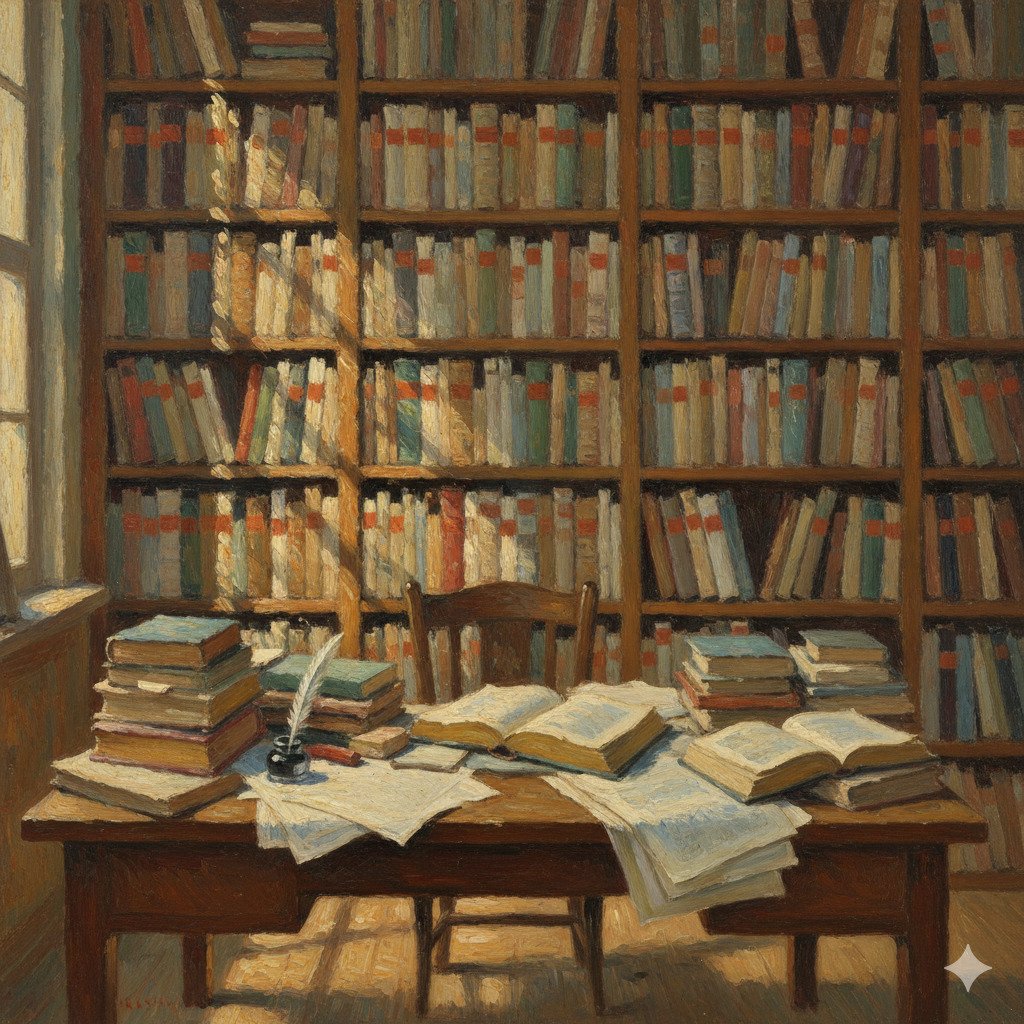
Imagine you are sitting at your desk doing your homework.
- The Desk (RAM): The space on top of your desk is like the computer’s Memory (also called RAM). You keep the books and papers you are using right now on the desk so you can reach them quickly.
- The Bookshelf (Storage): Your bookshelf is like the computer’s Storage (like a Hard Drive). This is where you keep all your books when you aren’t using them. It has a lot more space than your desk, but it takes a little longer to go and find a book and bring it to your desk.
2. RAM: The Working Memory
RAM stands for “Random Access Memory.” It is the computer’s “Short-Term Memory.”
When you open a game or a program, the computer “picks it up” from the storage (the bookshelf) and puts it into the RAM (the desk).
- It’s super fast: The CPU can get information from the RAM almost instantly.
- It’s forgetful: RAM only works when the computer is turned on. If you turn off your computer without saving your work, the RAM “forgets” everything! This is why we say RAM is volatile.
3. Hard Drives and SSDs: The Storage
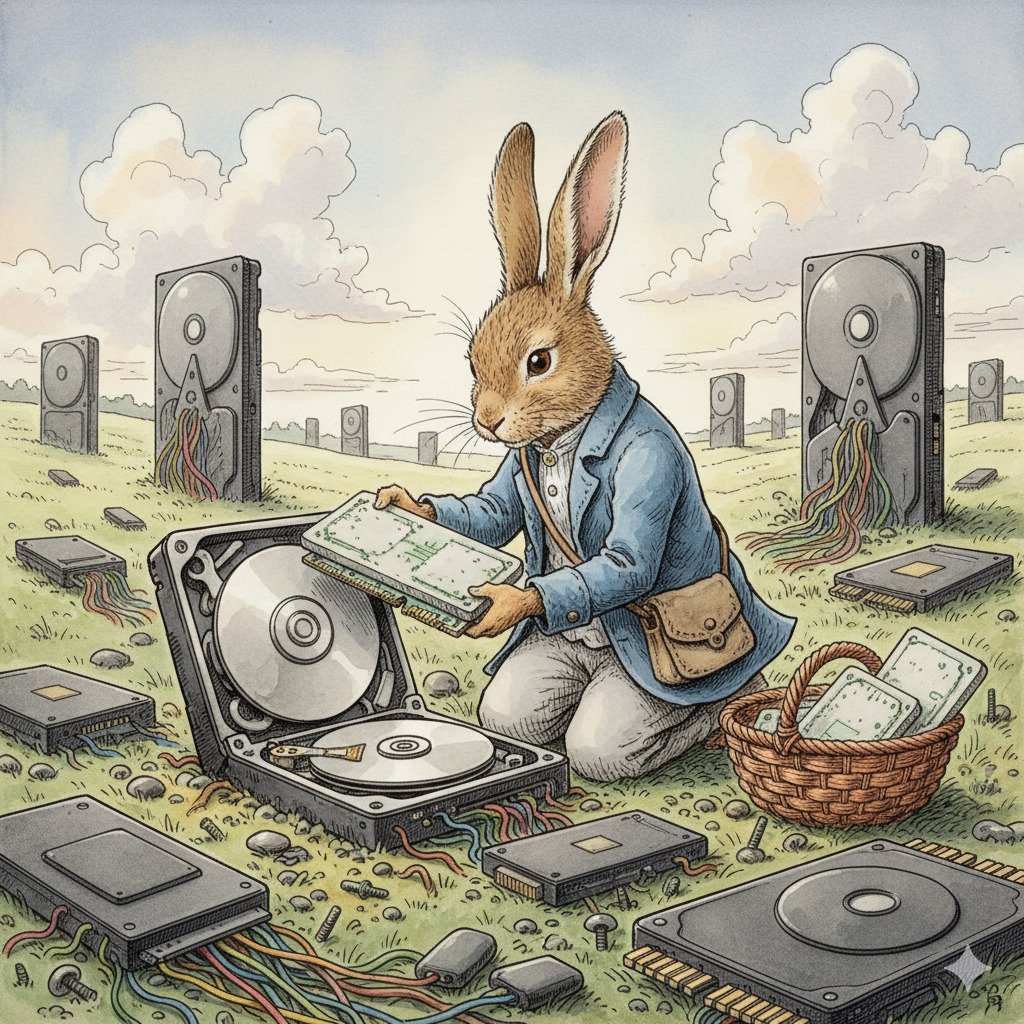
Storage is where your photos, games, and files live for a long time. This is the computer’s “Long-Term Memory.”
There are two main types of storage:
- HDD (Hard Disk Drive): These have a spinning disk inside, a bit like an old record player. They can hold a huge amount of stuff, but they are a bit slower because they have moving parts.
- SSD (Solid State Drive): These use special chips with no moving parts. They are much faster than HDDs, but they are usually more expensive. Most modern laptops use SSDs because they make the computer start up very quickly!
Unlike RAM, storage is non-volatile. This means it remembers everything even when the power is turned off.
4. Bits and Bytes
How do we measure how much a computer can remember? We use Bits and Bytes!
What is a Bit?
Imagine a single “Bit” is like a tiny light switch. It can only be in one of two states: ON or OFF.
- In the computer world, we use numbers for this: 1 for ON and 0 for OFF.
- Everything you see on a computer—pictures, music, and games—is actually made up of millions of these tiny 1s and 0s!
What is a Byte?
Since one bit can’t tell us much, computers group them together.
- 8 Bits = 1 Byte.
- One Byte is about enough space to store a single letter of the alphabet, like “A” or “b”. If you write the word “Hello”, it takes up 5 Bytes!
Measuring Storage
Since modern computers can store so much information, we use bigger words to describe how many bytes they can hold:
- Kilobyte (KB): About 1,000 bytes. This is like a very short story or a small email.
- Megabyte (MB): About 1 million bytes. A high-quality photo or one minute of a song is usually a few Megabytes.
- Gigabyte (GB): About 1 billion bytes. A high-definition movie or a large game like Minecraft might be several Gigabytes.
- Terabyte (TB): About 1 trillion bytes. This is massive! One Terabyte can hold about 250,000 photos or 500 hours of video. Most new computers have 1 or 2 Terabytes of storage.
Did you know?
- The first hard drive was the size of two refrigerators. It was made by IBM in 1956 and could only hold 5 Megabytes of data—not even enough for two modern high-quality songs!
- A “Bit” is short for “Binary Digit”. Scientists combined the words to make it easier to say. Everything in the computer world is built from these tiny building blocks.
- Voyager 1 has very little memory. The spacecraft that has traveled the furthest from Earth has only about 68 Kilobytes of memory. That’s thousands of times less than a single photo on your smartphone!
Check Your Knowledge
- You are writing a story and the power suddenly goes out before you click “Save.” Which part of the computer “forgot” your story: the RAM or the Hard Drive? Why?
- If you want your computer to start up and load games as fast as possible, would you choose an HDD or an SSD?
- Which is bigger: 500 Megabytes (MB) or 2 Gigabytes (GB)?
- Why can’t we just use a Hard Drive for everything and skip having RAM? (Hint: Think about the desk and the bookshelf!)