How Data Travels: Packets and Postmen
When you send an email, watch a video, or play an online game, the information doesn’t just travel in one big piece. It’s actually broken down into tiny little chunks!
What are Packets?
Information traveling across the internet is broken into small pieces called packets. A single email or a picture might be split into hundreds or even thousands of packets.
Each packet is like a small digital envelope. It doesn’t just contain a piece of your message; it also has a header. The header is like the writing on the outside of an envelope. it tells the internet:
- Where it’s coming from (the Sender’s IP address)
- Where it’s going (the Receiver’s IP address)
- How many packets are in the whole message (so the computer knows if one is missing)
- What number this packet is (so they can be put back in the right order)
The Journey of a Packet
Think of it like sending a 1,000-piece puzzle in the mail to a friend. If you tried to send it all put together, it would be too big and would probably get broken.
Instead, you put each piece in its own small envelope.
- You label each envelope with the address and a number (1 of 1000, 2 of 1000, and so on).
- You drop them in the post box.
- The envelopes might take different trucks, planes, or paths to get to your friend’s house.
- When they arrive, your friend looks at the numbers and puts the puzzle back together in the right order!
This is exactly how the internet works. Your computer breaks the data into packets, sends them out, and the receiving computer puts them back together.
The Routers: The Internet’s Postmen
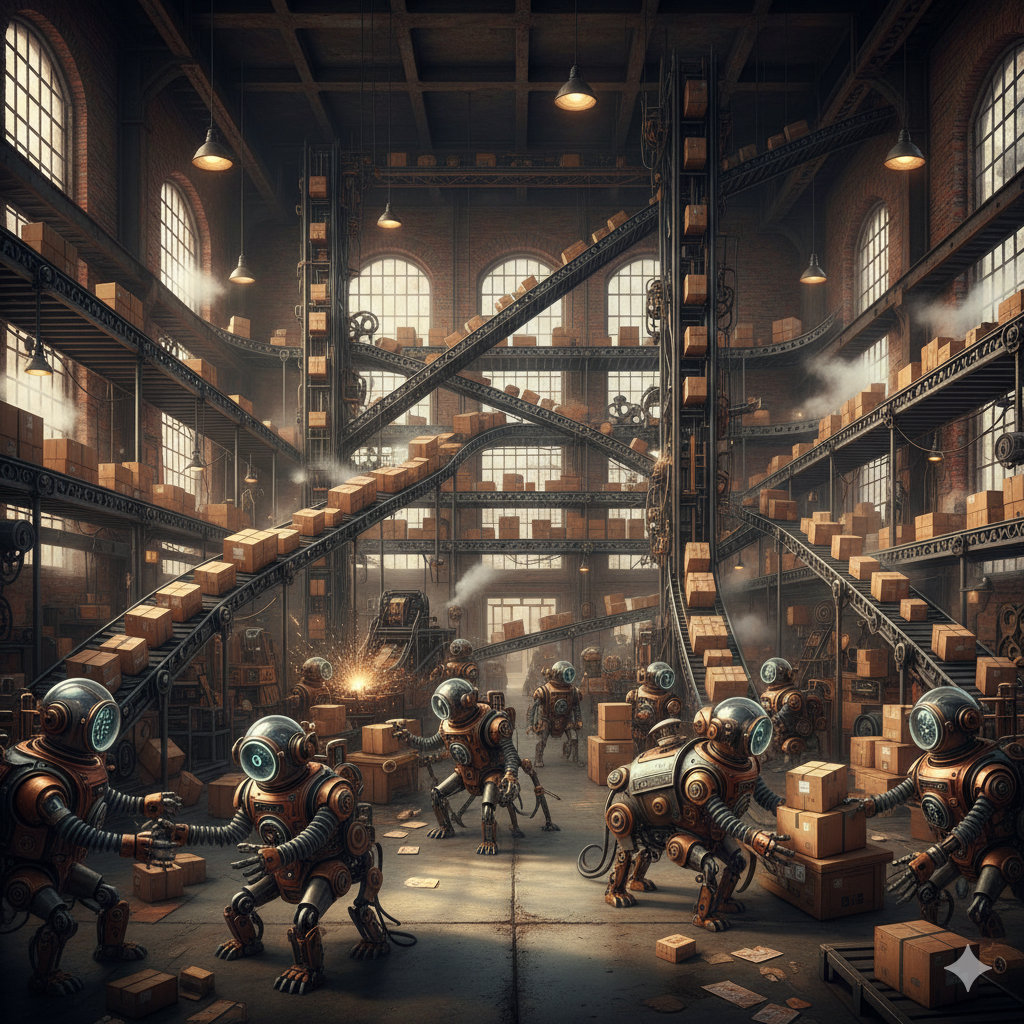
How do those packets know which way to go? They travel through routers. Routers are like the sorting offices at the post office.
A packet doesn’t know the whole map of the internet. It just goes to the nearest router. The router looks at the destination address on the packet’s header and says, “I know a fast way to get closer to that address! Go this way.” The packet then hops to the next router, and the next, until it reaches its destination. This is called a hop.
Big Routers vs. Home Routers
Wait, you might have a “router” at home, too! Is it the same thing?
Not quite.
- Home Routers: These are small boxes that connect your phone, tablet, and computer to each other and to your internet connection. They only have to handle a few devices.
- Internet Routers: These are huge, powerful machines in special buildings called data centers. They handle millions of packets from all over the world every single second!
While your home router is like a small local post box, an internet router is like a giant, high-speed sorting factory.
Checking the Message (TCP)
Sometimes the internet can be a bit messy. A packet might get lost, or a router might be too busy and “drop” it.
There is a special set of rules called TCP (Transmission Control Protocol) that acts like a delivery manager. TCP makes sure:
- All packets arrived: If a packet is missing, the receiving computer sends a message back saying, “Hey, I’m missing piece number 45! Please send it again.”
- The order is right: Since packets can take different paths, piece #10 might arrive before piece #2. TCP waits for all the pieces and puts them in the correct order before showing you the message or video.
Did you know?
- Different Paths: Packets don’t all follow the same path! Some might go through London, while others might go through New York, even if they’re all part of the same message. This helps the internet stay fast even if one path is busy.
- Packet Loss: Sometimes, a packet gets lost or damaged on the way. When this happens, the receiving computer simply asks the sender to send that one packet again.
- Millisecond Speed: This whole process—breaking data into packets, sending them across the world, and putting them back together—happens in just a tiny fraction of a second!
- The “Hop” Count: Most packets reach their destination in fewer than 15 to 20 “hops” between routers, even if they are traveling to the other side of the world!
Check Your Knowledge
- Why does the internet break information into packets instead of sending it all at once?
- What is a “header” on a packet, and what kind of information does it hold?
- What is a “hop” in the journey of a packet?
- What is the job of a router?
- How does a home router differ from the giant routers that make up the internet?
- What happens if a packet arrives at its destination before the one that was supposed to come before it?
- Which protocol (set of rules) is responsible for asking for a missing packet to be resent?