Different Types of Software
Apart from the Operating System, most software we use is called Application Software, or “Apps” for short. While the Operating System (System Software) works behind the scenes to keep the computer running, Apps are what we use to actually do things!
What are Apps?
Apps are programs designed to help you do a specific task. There are millions of apps out there, and they usually fall into a few main categories:
1. Productivity Software
These are tools that help you get work done.
- Word Processors: Used for writing letters, school reports, or even books! (Example: Microsoft Word, Google Docs).
- Spreadsheets: Great for organizing numbers, making schedules, or doing math. (Example: Microsoft Excel, Google Sheets).
- Presentation Tools: Used to make “slides” for a talk or project. (Example: PowerPoint).
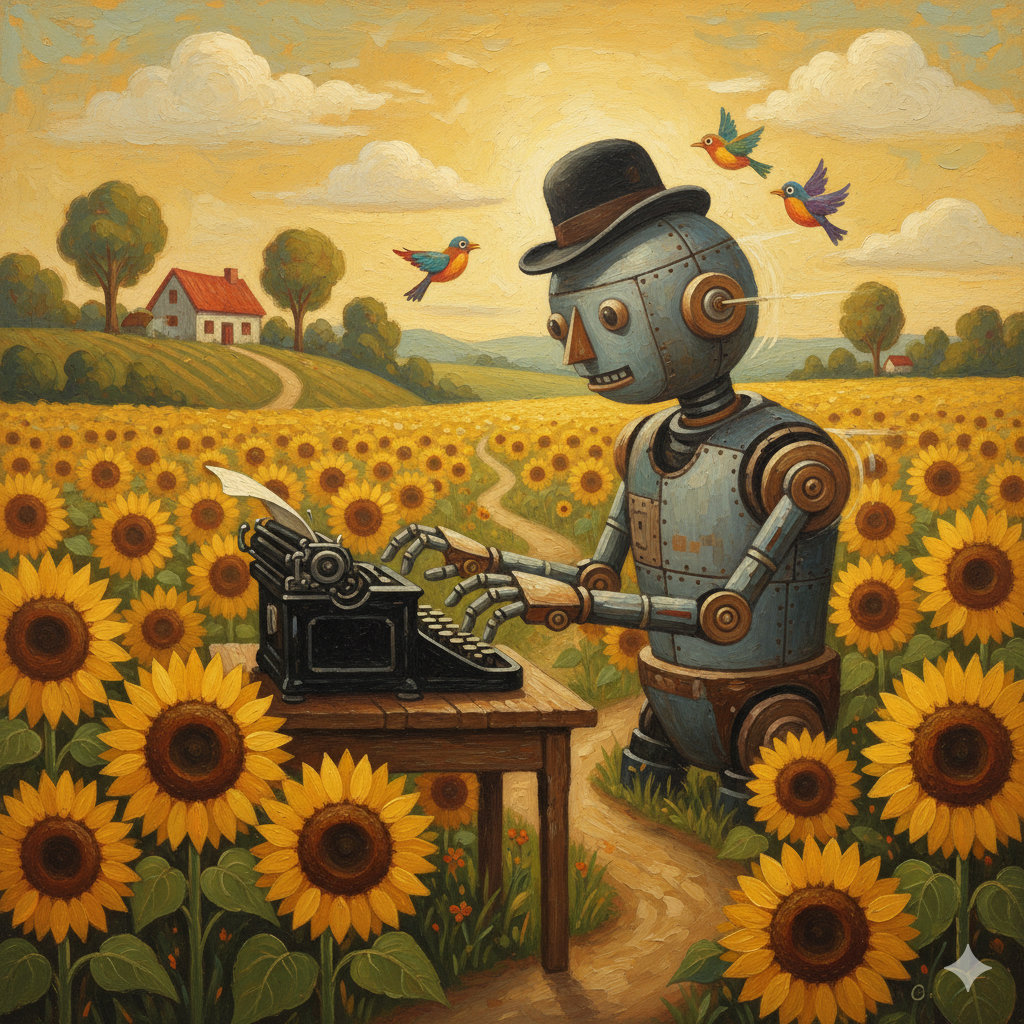
2. Creative Software
These apps let you express your artistic side.
- Graphic Design: For drawing, painting, or editing photos. (Example: Adobe Photoshop, MS Paint).
- Video Editing: For cutting together clips to make a movie or a YouTube video.
- Music Software: For recording songs or making electronic beats.
3. Communication Software
These apps help us stay in touch with people all over the world.
- Email: For sending electronic letters.
- Instant Messaging: For quick chats with friends (Example: WhatsApp, Discord).
- Video Calling: For seeing and talking to people in real-time (Example: Zoom, FaceTime).
4. Entertainment Software
This is one of the most popular types of software!
- Video Games: From simple puzzle games on a phone to huge 3D worlds on a console.
- Streaming Services: Apps for watching movies or listening to music (Example: Netflix, Spotify).
5. Utility Software
Utilities are like a “toolbox” for your computer. They help keep it healthy and organized.
- Antivirus: Protects your computer from “bugs” or “viruses” that could make it sick.
- File Managers: Help you organize your folders and find your files.
- Compression Tools: These “squish” large files to make them smaller so they take up less space.
6. Web Browsers
A web browser is a special app that lets you visit websites on the internet. You will learn more about these in a later chapter! (Example: Google Chrome, Safari, Firefox).
System Software vs. Application Software
It’s helpful to remember the difference:
- System Software (like the OS) runs the computer itself and manages the hardware.
- Application Software (Apps) helps you do specific tasks, like playing a game or writing a story.
Did you know?
- The first “App Store” wasn’t on a phone! It was launched for computers in the 1980s, but it didn’t become super popular until the iPhone arrived in 2008.
- Video games are some of the most complex software ever written. Some games have millions of lines of code!
- The World Wide Web was invented by Tim Berners-Lee in 1989. He also wrote the very first web browser to look at it.
Questions
- What is the difference between System Software and Application Software?
- If you wanted to “squish” a large file to save space, what type of utility would you use?
- Name two examples of Productivity Software and what they are used for.
- Is a web browser an Operating System? Why or why not?
- Which type of software would you use to edit a photo of your pet?