Caring for your Hardware
Computers are expensive and fragile. It’s important to know how to take care of them so they last a long time! Just like a pet or a bicycle, your computer needs a little bit of love and attention to stay happy and fast.
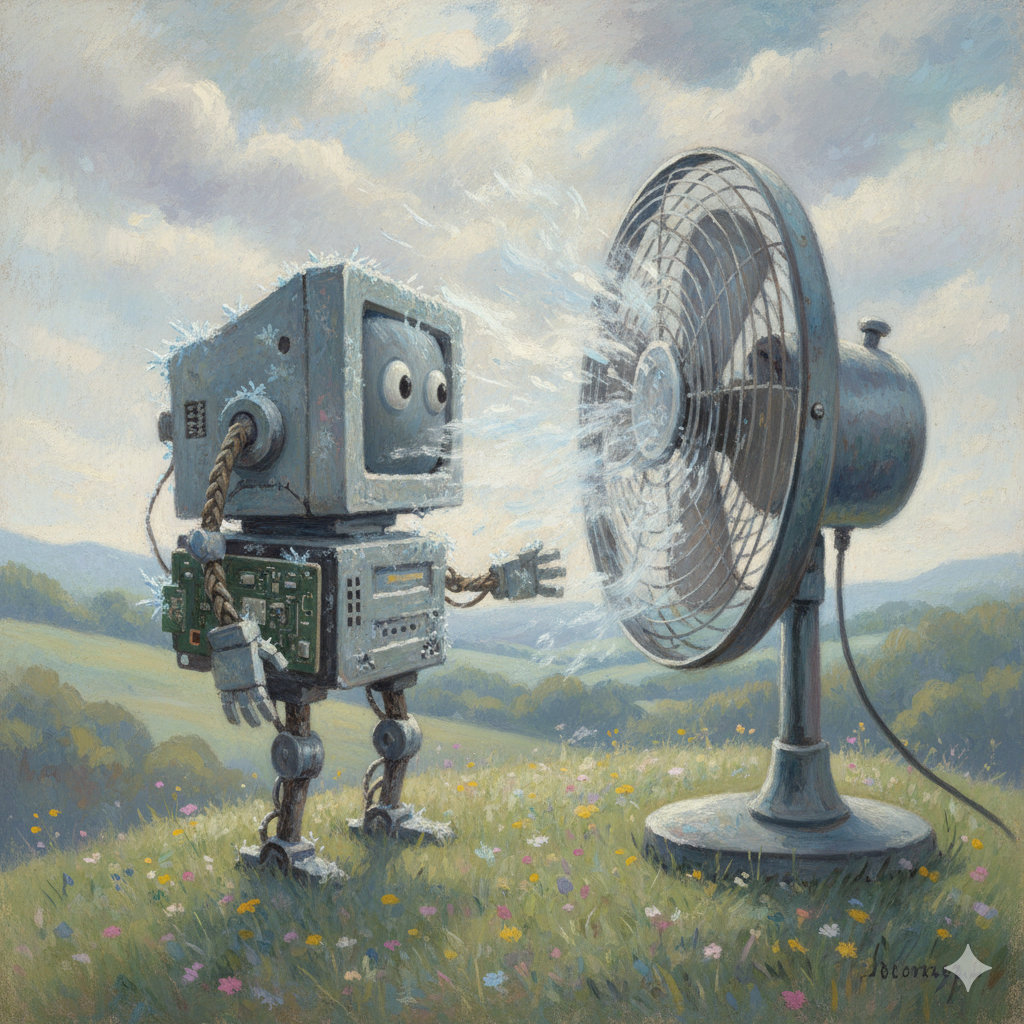
Keep it Cool
Computers get very hot when they work. Inside the case, the CPU and GPU are doing millions of calculations every second, and that generates heat. If a computer gets too hot, it might slow down or even shut off to protect itself.
- Vents and Airflow: Make sure the vents (the little holes or slits in the case) aren’t blocked. Never use a laptop on a soft surface like a bed, a thick blanket, or a pillow, as these can block the air from getting in. Instead, use it on a desk or a hard, flat board.
- Avoid the Sun: Don’t leave your computer or tablet in a hot car or in direct sunlight for a long time. The sun can heat up the screen and the battery very quickly!
- Give it Space: If you have a desktop computer, don’t squish it into a tight cabinet where the hot air has nowhere to go.
Keep it Clean
Dust and dirt are some of your computer’s biggest enemies. They can clog up fans and make things sticky.
- No Food or Drinks: A single spill can ruin a keyboard or even the whole computer. Crumbs can also get stuck under the keys, making them hard to press. Always keep your snacks and drinks on a different table.
- Sticky Hands: Always wash your hands before using your computer. Sticky or greasy fingers can leave marks on the screen and make the keys gross.
- Proper Cleaning:
- The Screen: Use a soft, dry “microfiber” cloth (like the ones used for glasses) to gently wipe the screen. Never use window cleaner or harsh chemicals!
- The Keyboard: If you see dust, you can use a can of “compressed air” to blow it out from between the keys.
Handle with Care
The parts inside a computer are very tiny and can break if they are shaken or bumped too hard.
- Gentle Fingers: Don’t bang on the keys or click the mouse too hard. They are designed to work with a light touch.
- Plugs and Cables: When you want to unplug something, like a charger or a USB drive, always pull from the plastic “plug” part, never the wire itself. Wiggling the plug side-to-side too much can also damage the port.
- The Screen is Fragile: Never touch a laptop screen with your fingers (unless it’s a touchscreen!), and never pick up a laptop by its screen. It can crack or “bleed” colors if squeezed.
- Two-Hand Rule: Always carry laptops and tablets with both hands. It’s much harder to drop them that way!
Safe Shutdowns
When you are finished using your computer, it’s important to turn it off correctly.
- Don’t Just Pull the Plug: Always use the “Shut Down” or “Power Off” button in your computer’s menu. This gives the computer time to “clean up” its files and save everything properly.
- Let it Finish: If you see a message saying “Updating, do not turn off your computer,” wait for it to finish! If you turn it off during an update, it might have trouble starting up next time.
Traveling with Tech
If you are taking your computer to a friend’s house or on a trip, it needs extra protection.
- Use a Case: Always put tablets and laptops in a padded sleeve or a backpack with a special laptop pocket.
- Check for “Passengers”: Before you close a laptop, make sure there isn’t a pencil, an eraser, or an earbud sitting on the keyboard. If you close the lid on something, the screen will likely crack!

Did you know?
- Dust is the computer’s number one enemy! Over time, dust can build up inside the computer case and act like a warm blanket. This stops the heat from escaping and can make the parts “cook” themselves.
- Static electricity can zap a computer. Have you ever touched a doorknob and felt a tiny “zap”? That’s static electricity. It’s harmless to you, but it can be strong enough to break the tiny circuits inside a computer if you touch them directly!
- Magnets can be dangerous: Some older types of computer storage (like Hard Drives) use magnetism to remember files. If you put a strong magnet near them, it could “erase” your data! Even though modern SSDs are safer, it’s still a good habit to keep magnets away from your gadgets.
Check Your Knowledge
- Why is it better to use a laptop on a desk than on a fluffy pillow?
- What is the “Two-Hand Rule,” and why is it important?
- Why should you always use the “Shut Down” button instead of just pulling the power cord?
- You are about to close your laptop. What should you check for first?
- Why are magnets potentially dangerous to some computers?